Track Settings
When selecting a Track, some advanced settings are available:
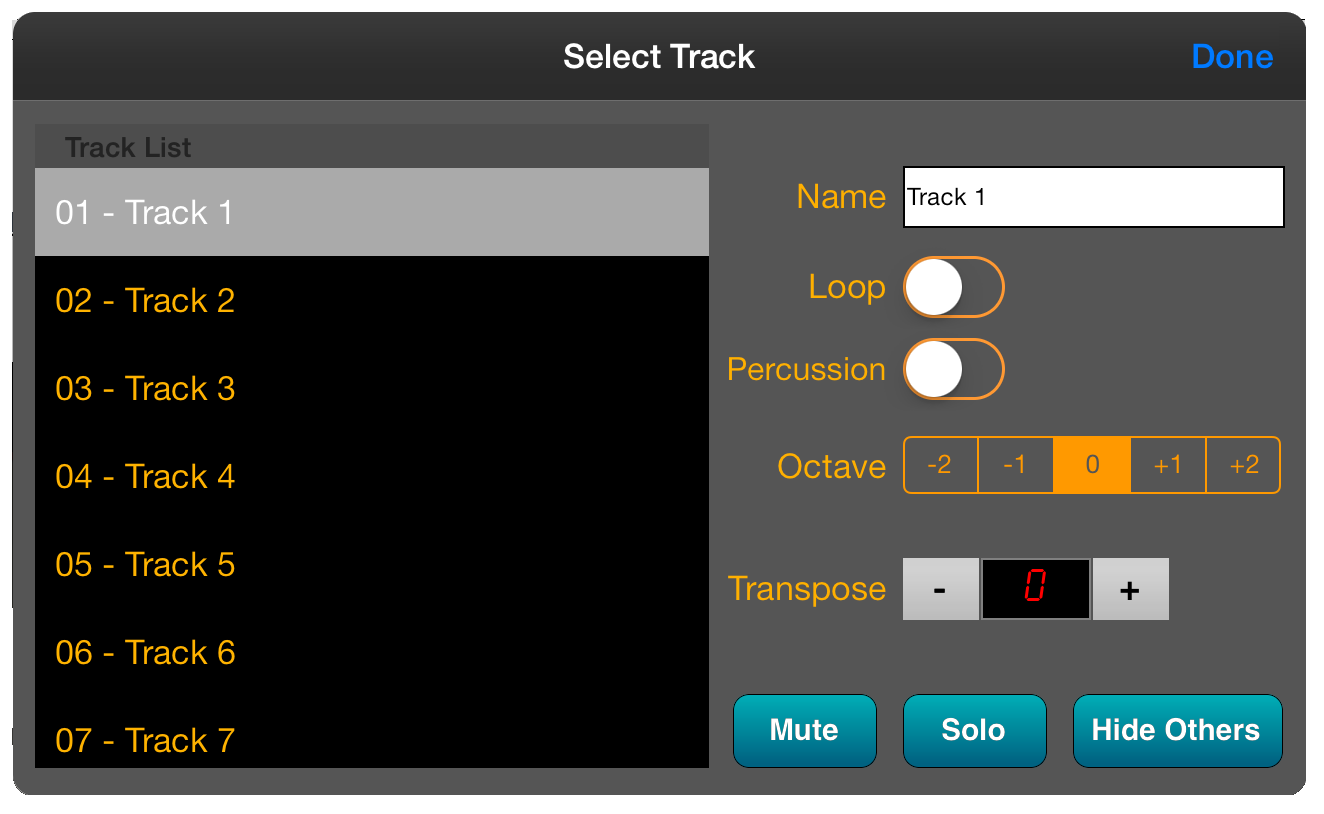
- Loop - When playing the song,
the track is looped continuously. The
 icon on the main screen
can be used to quickly apply this setting without having to edit the Track
Settings.
icon on the main screen
can be used to quickly apply this setting without having to edit the Track
Settings.
- Percussion Symbols
- Displays percussion symbols for hi-hat and cymbals if used on a percussion
track
- Octave Transpose -
When playing the track, use the Octave Transpose function to play the music
at a higher or lower pitch without changing the position of notes on the
score. This is especially useful for some instruments such as guitars.