Play Lists
Use Play Lists to group your songs into Albums, making it easier to locate songs and play them. Each song in the album will play automatically after the previous song finishes.
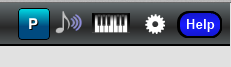
Open the Play List Manager by pressing the "P" button located in the top right corner of the main screen:
The Play List Manager looks like this:
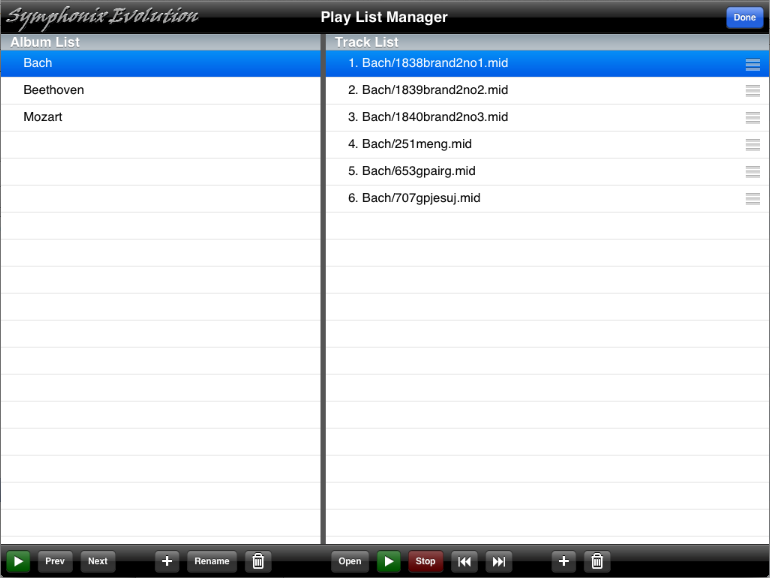
The left panel is a list of albums. Selecting (highlighting) an album will display a list of songs in that album in the panel on the right.
Each panel has its own toolbar for accessing functions that relate to either an Album or a Track respectively.
Album functions are:
Play the selected album from the beginning
Move playback to the previous album in the list
Move playback to the next album in the list
Create a new album
Rename the selected album
Delete the selected album
Track (Song) functions are:
Load the selected song into the notation editor
Play or pause the selected song
Stop playback
Move playback to the previous song in the list, or to the previous album
Move playback to the next song in the list, or to the next album
Add a song to the album
Delete a song from the album