Sheet Music
Symphonix Evolution can generate sheet music, which may be printed using AirPrint or sent via email as a PDF file.
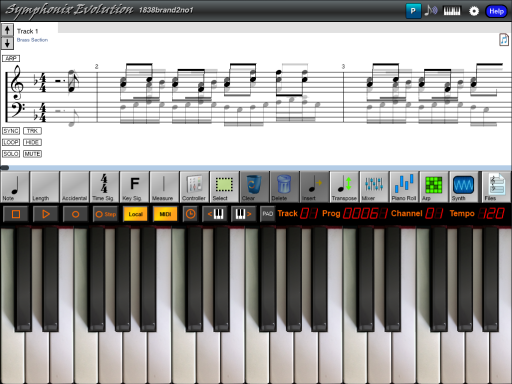
To print Sheet Music, start by entering the music that is to be printed:
Next, use the File  button
on the main toolbar to open the File Management menu, followed by the to display a menu containing email and printing options. Choose the
"Print" option:
button
on the main toolbar to open the File Management menu, followed by the to display a menu containing email and printing options. Choose the
"Print" option:

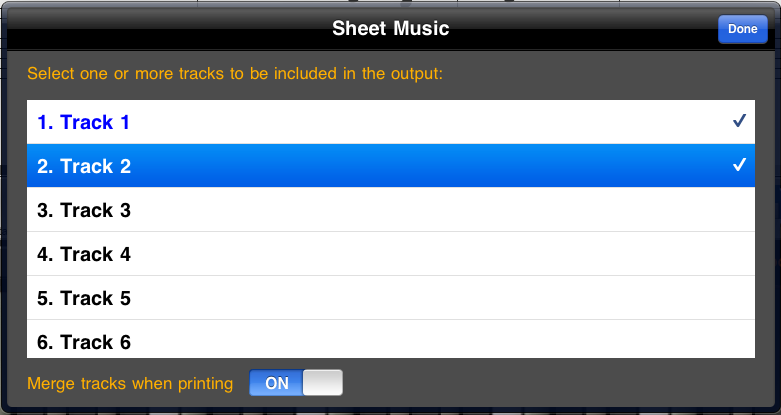
Symphonix Evolution is able to print arrangements with multiple tracks, each with its own staff and clef. Select the tracks to be included by touching them to tick or untick the selection, but note that the more tracks you include the harder it will be to fit the music on each page. It is recommended that no more than three tracks be chosen at a time.
Important Note: Printing is memory intensive. It is recommended that you save your work before performing any printing in case the iPad runs out of memory!
Use the "Merge Tracks When Printing" option to combine multiple tracks into a single staff, similar to how music is displayed on the main screen.
After generating sheet music, Symphonix Evolution will display the Print Preview screen:
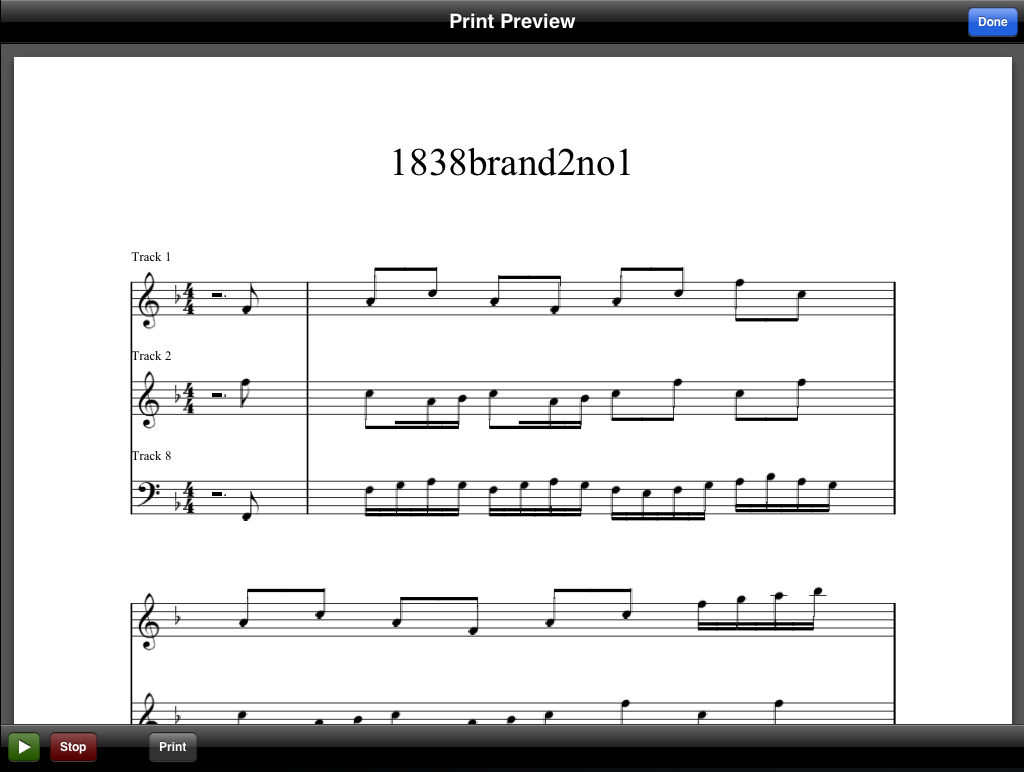
This screen displays the music exactly as it will be printed, including page numbers.
The Print Preview mode allows Symphonix Evolution to be used as a "virtual sheet music stand" by rotating the iPad to scroll this view to a Portrait position:
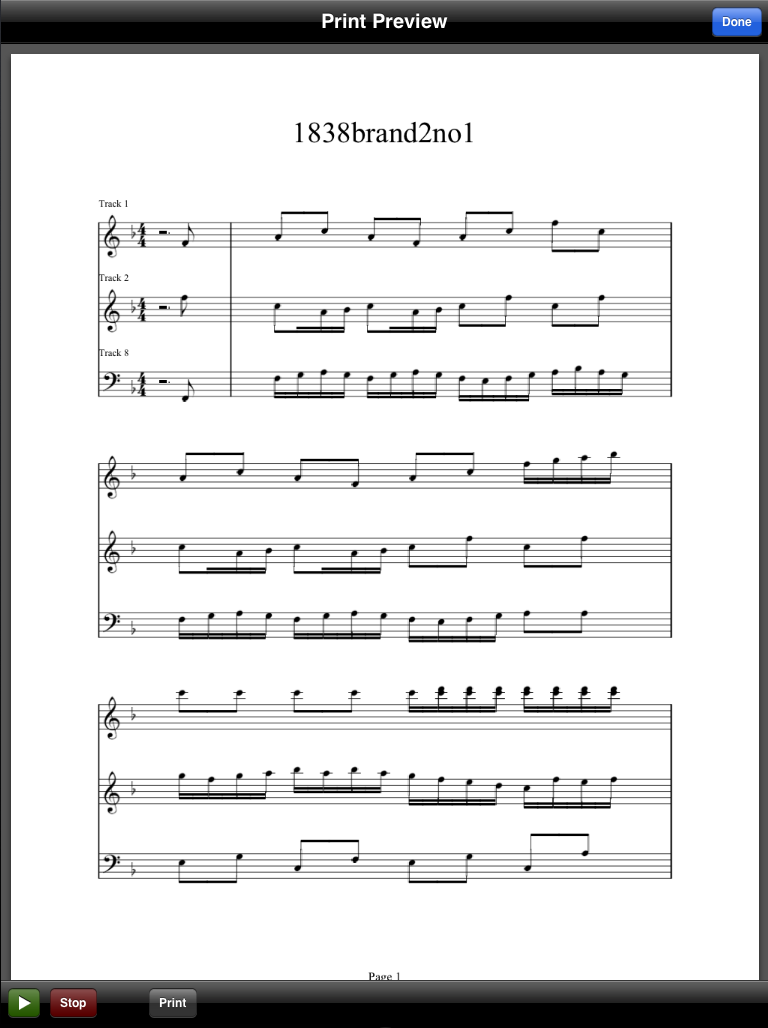
Use the Print button on the Print Preview screen to print the sheet music directly from the iPad to a supported printer, via AirPrint:
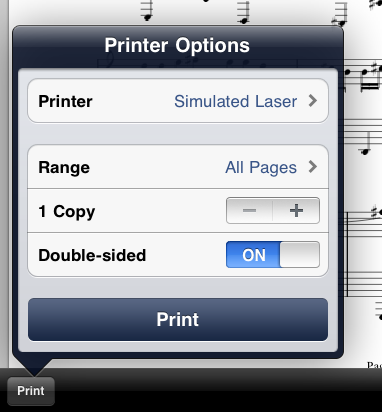
Important Note: The Print Preview screen is memory intensive. It is recommended that you save your work before performing any printing in case the iPad runs out of memory!
Sending Sheet Music as a PDF Email
Use the File button
on the main toolbar to open the File Management menu, and use the email options
to send the printed sheet music in PDF format:
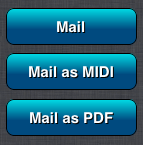
Symphonix Evolution will first ask for the tracks to use as the Treble and Bass clef (see above), and will then open the Mail application directly with the PDF file ready for sending:
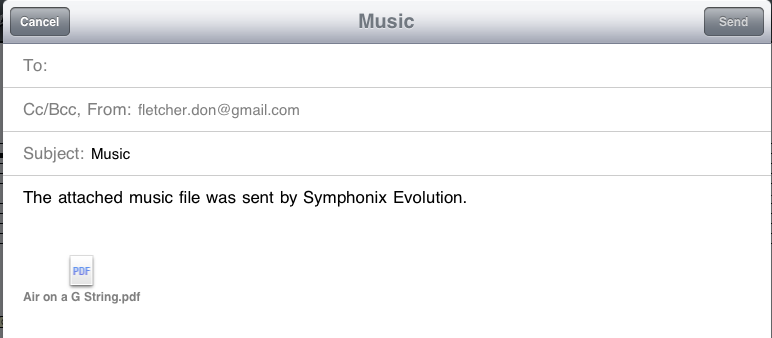
Specify the mail recipient ("To:" address), edit the email message as desired, and touch the "Send" button to send it.